How to Connect Facebook to GreenCRM24 Without Zapier, Make, or Other Middleware
If you’re currently using tools like Zapier, Make, or IFTTT to send Facebook leads to your CRM, there’s a simpler way. This guide shows you how to connect Facebook directly to GreenCRM24 — no extra apps, subscriptions, or complicated workflows required.
Follow these 8 steps:
-
Login to your account at app.greencrm24.com
-
Go to Integrations from the top menu bar
-
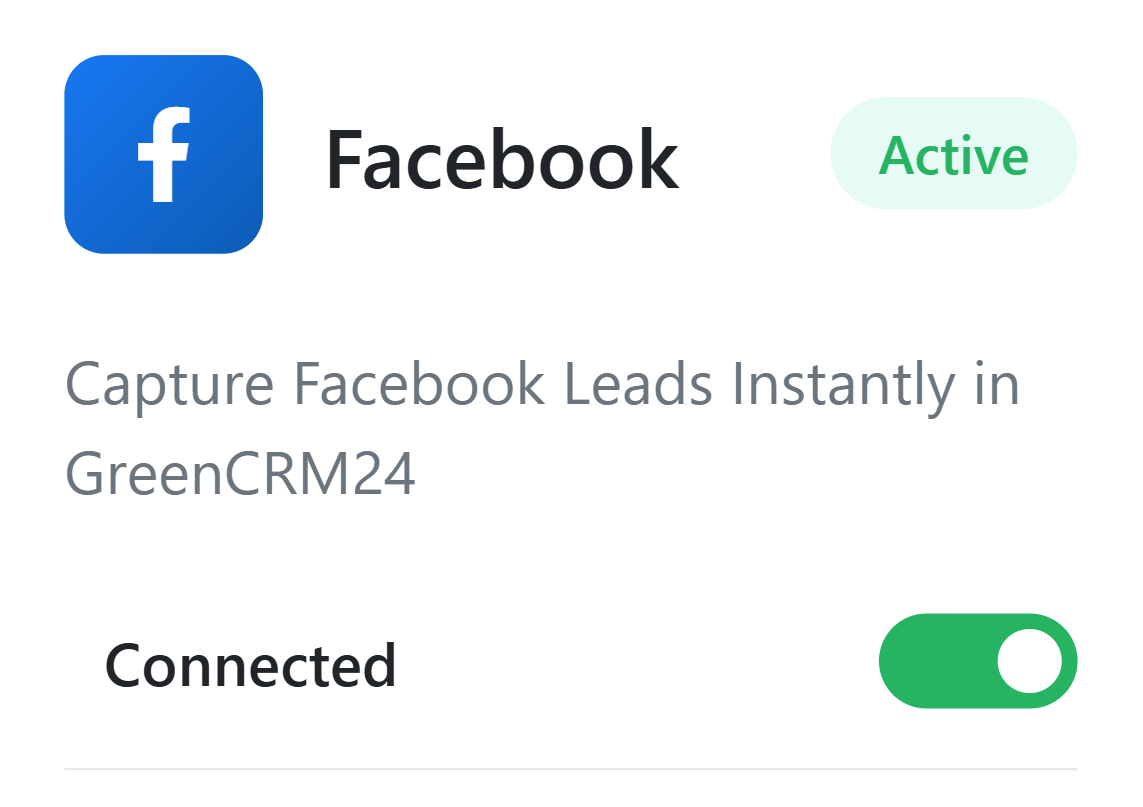
Toggle ON the Facebook switch
-
Log in to your Facebook account in the popup window
-
View the list of your Facebook pages
-
Click “Subscribe” next to the page you want to connect
-
See confirmation: “Page Successfully Subscribed”
-
Done! Your Facebook page is now connected to GreenCRM24
📹 Watch a walkthrough:
YouTube video guide
What happens next?
Once connected:
-
Leads from your Facebook forms will appear automatically in your GreenCRM24 Leads Tab
-
All form data is captured in real time
-
Leads are ready for assignment or AI routing within GreenCRM24
That’s it—no extra tools or manual imports needed. Your Facebook leads will now flow straight into GreenCRM24.

Comments (0)
No comments yet
Be the first to share your thoughts!
Leave a Comment