
Switching CRMs? How to Migrate Your Data Without Losing Your Mind
Introduction
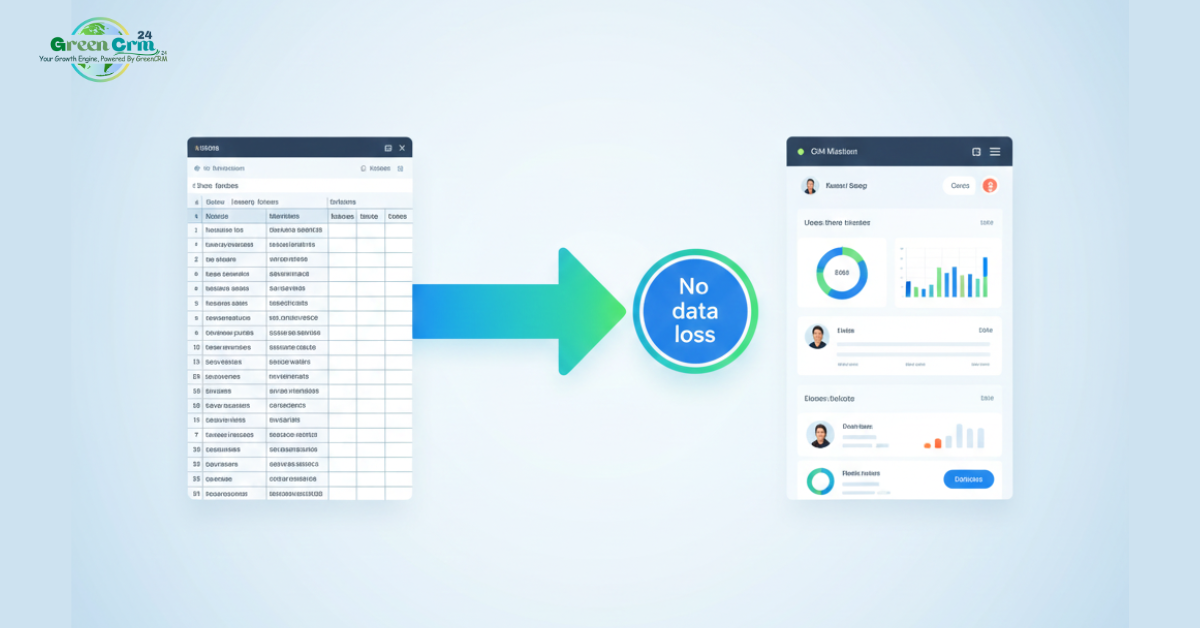
The thought of moving years of customer data to a new CRM can feel overwhelming. What if something gets lost? What if the process takes weeks? What if your team can't work during the transition? These fears keep businesses stuck with outdated systems. But with the right approach, CRM migration can be smooth, safe, and surprisingly simple.
The 5-Step Migration Framework
1. Audit & Clean (Before You Export)
-
Identify what you actually need: contacts, deals, activities, notes
-
Remove duplicates, outdated entries, and test records
-
Standardize formats (dates, phone numbers, custom fields)
Pro tip: Clean data in your old system—it's easier than fixing it later.
2. Map Your Fields
-
Create a spreadsheet matching old fields to new ones
-
Note which fields are essential vs. nice-to-have
-
Plan for custom fields you'll need in the new system
Example: "Company" (old) → "Account Name" (new)
3. Choose Your Migration Method
-
CSV/Excel Import: Best for smaller datasets with simple structures
-
API Migration: Ideal for large, complex transfers between modern systems
-
Hybrid Approach: Start with CSV for contacts, then migrate activities via API
Most businesses start with CSV—it's visual and controllable.
4. Test Before You Commit
-
Migrate a small sample first (50–100 records)
-
Verify data accuracy, relationships, and formatting
-
Have team members review their own records
-
Adjust your mapping based on findings
5. Go Live & Validate
-
Schedule migration during low-activity hours
-
Run final export/import with full dataset
-
Immediately verify counts and spot-check records
-
Keep old system accessible (read-only) for 30 days as backup
Common Migration Pitfalls & How to Avoid Them
-
Pitfall: Assuming all data must move
Solution: Migrate only what's actively needed -
Pitfall: No backup plan
Solution: Keep original exports and have rollback steps ready -
Pitfall: Team isn't prepared
Solution: Communicate timeline and provide training before switch
Why Modern CRMs Make Migration Easier
Newer platforms understand this challenge and build for it:
-
One-click CSV imports with smart column matching
-
Pre-built templates for common data structures
-
Import validation that catches errors before they happen
-
Dedicated migration tools or guided wizards
Post-Migration Success Checklist
✅ All active contacts and deals are accessible
✅ Team can perform daily tasks in the new system
✅ Historical data is available for reference
✅ Reports are generating accurately
✅ No critical data was lost
Conclusion
Data migration doesn't have to be a nightmare. With careful planning, the right tools, and a phased approach, you can transition to a better CRM with confidence. The temporary effort pays off in long-term productivity gains and happier teams.
*GreenCRM24 offers intuitive CSV import with smart field matching, making your transition straightforward and stress-free.*

Comments (0)
No comments yet
Be the first to share your thoughts!
Leave a Comment